Hardware Encyclopedia
The ultimate database of PC components
Intel Core i3-12100F
Best budget gaming CPU with 4 cores
AMD Ryzen 5 5600
The value king for 1080p gaming
Intel Core i5-13400F
10-core hybrid architecture for gaming and work
AMD Ryzen 5 7600X
Fastest 6-core gaming processor
Intel Core i5-13600K
Overclockable beast aiming at I7 performance
AMD Ryzen 7 7800X3D
The best gaming CPU on the planet
Intel Core i7-14700K
20 cores for productivity dominance
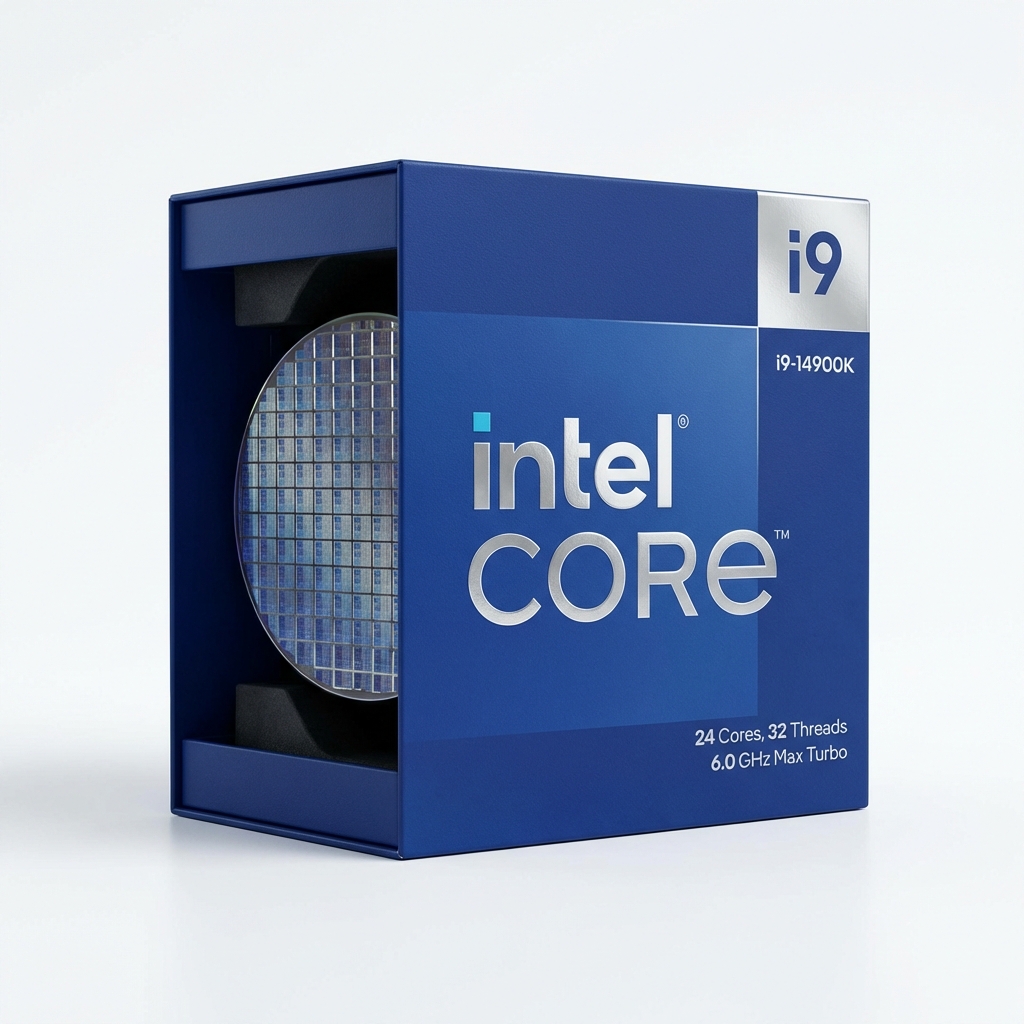
Intel Core i9-14900K
6GHz flagship for extreme enthusiasts
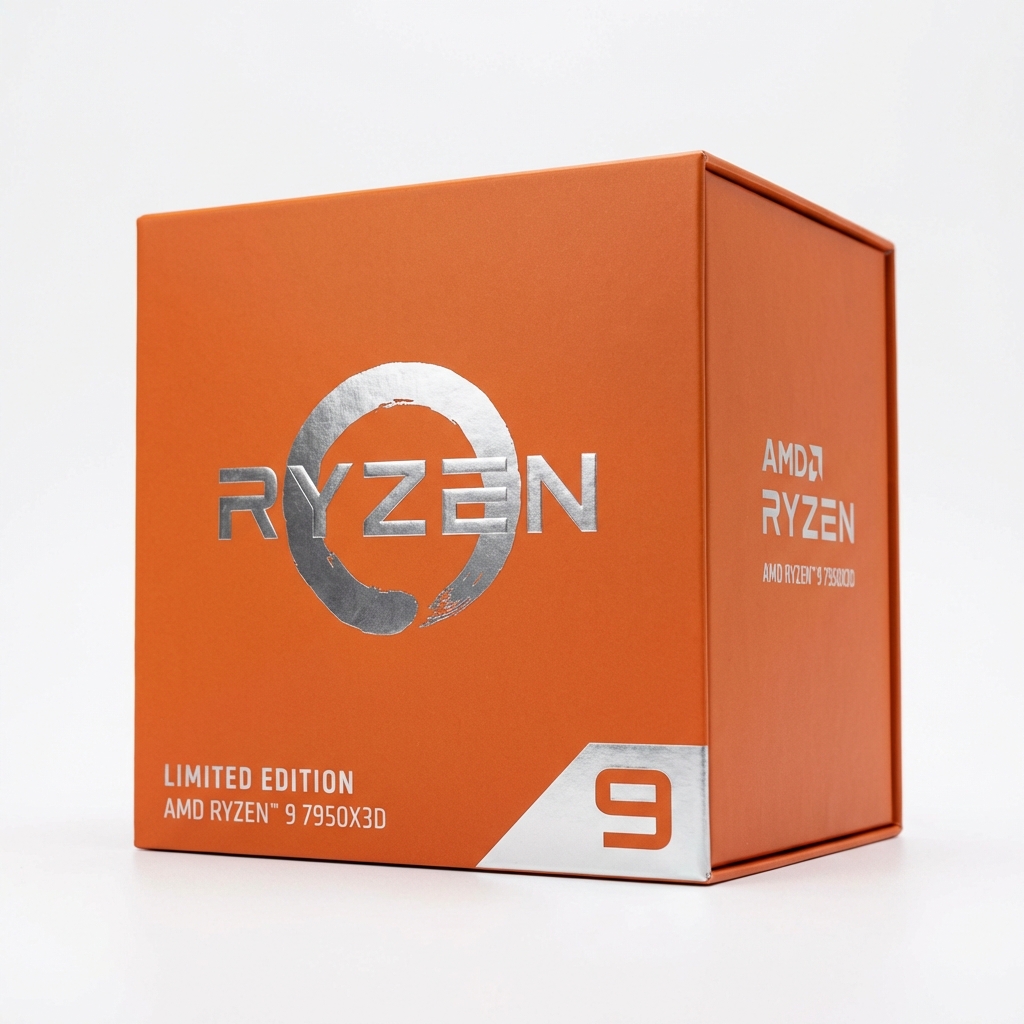
AMD Ryzen 9 7950X3D
16 cores + 3D V-Cache for everything
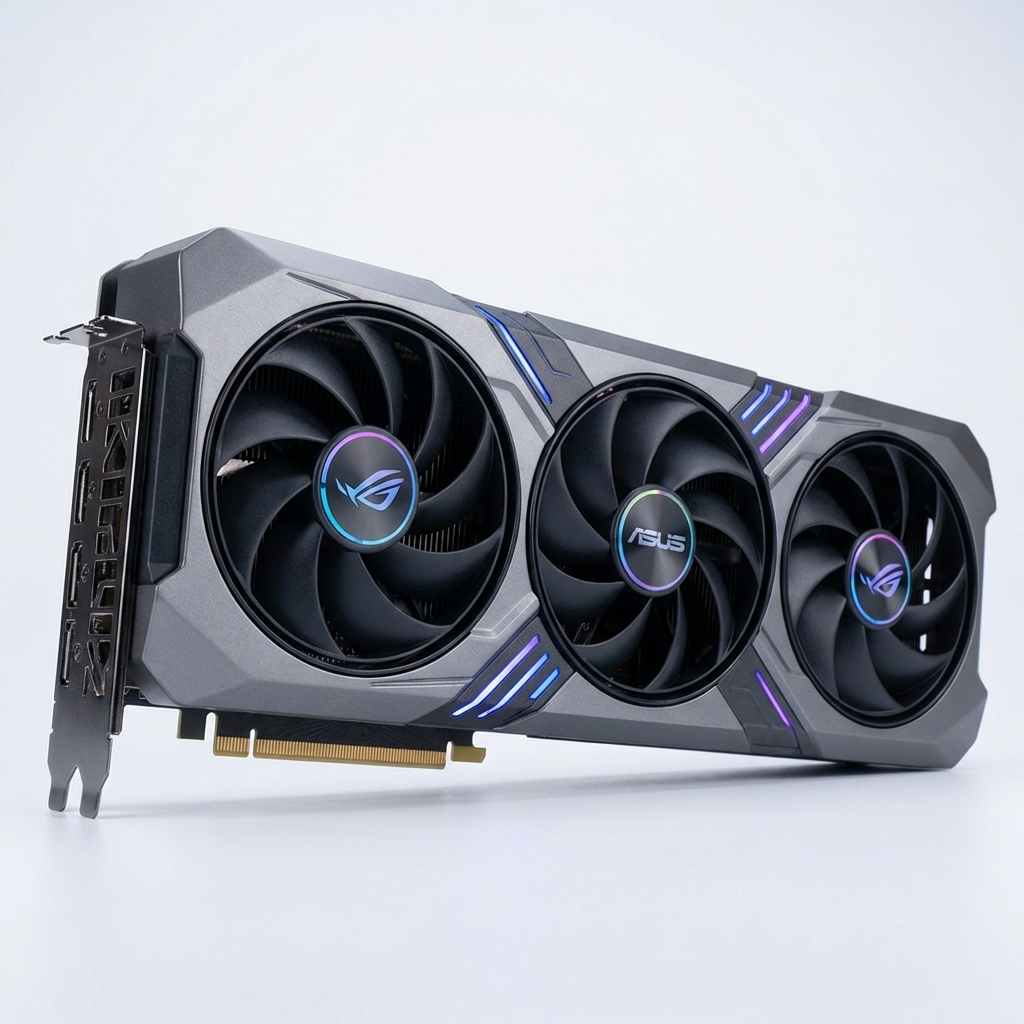
Intel Arc A750
Modern features like AV1 encoding at budget price
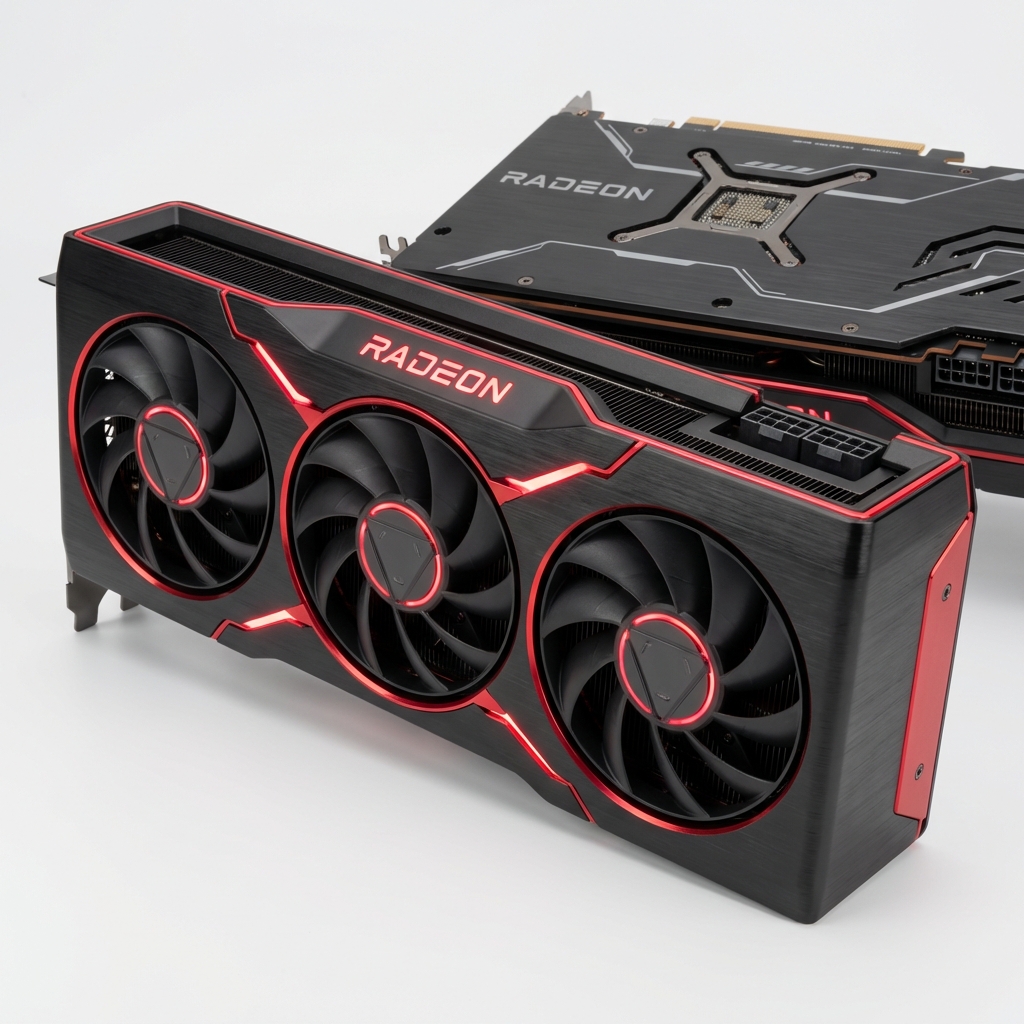
AMD Radeon RX 6600
Compact powerhouse for 1080p
NVIDIA RTX 3060 12GB
The most popular GPU on Steam for good reason
NVIDIA RTX 4060
Efficient 1080p gaming with DLSS 3 Frame Gen
AMD Radeon RX 7800 XT
1440p value champion with 16GB VRAM
NVIDIA RTX 4070 Super
Excellent 1440p ray tracing performance
NVIDIA RTX 4080 Super
4K gaming powerhouse
NVIDIA RTX 4090
The ultimate consumer GPU, unmatched performance
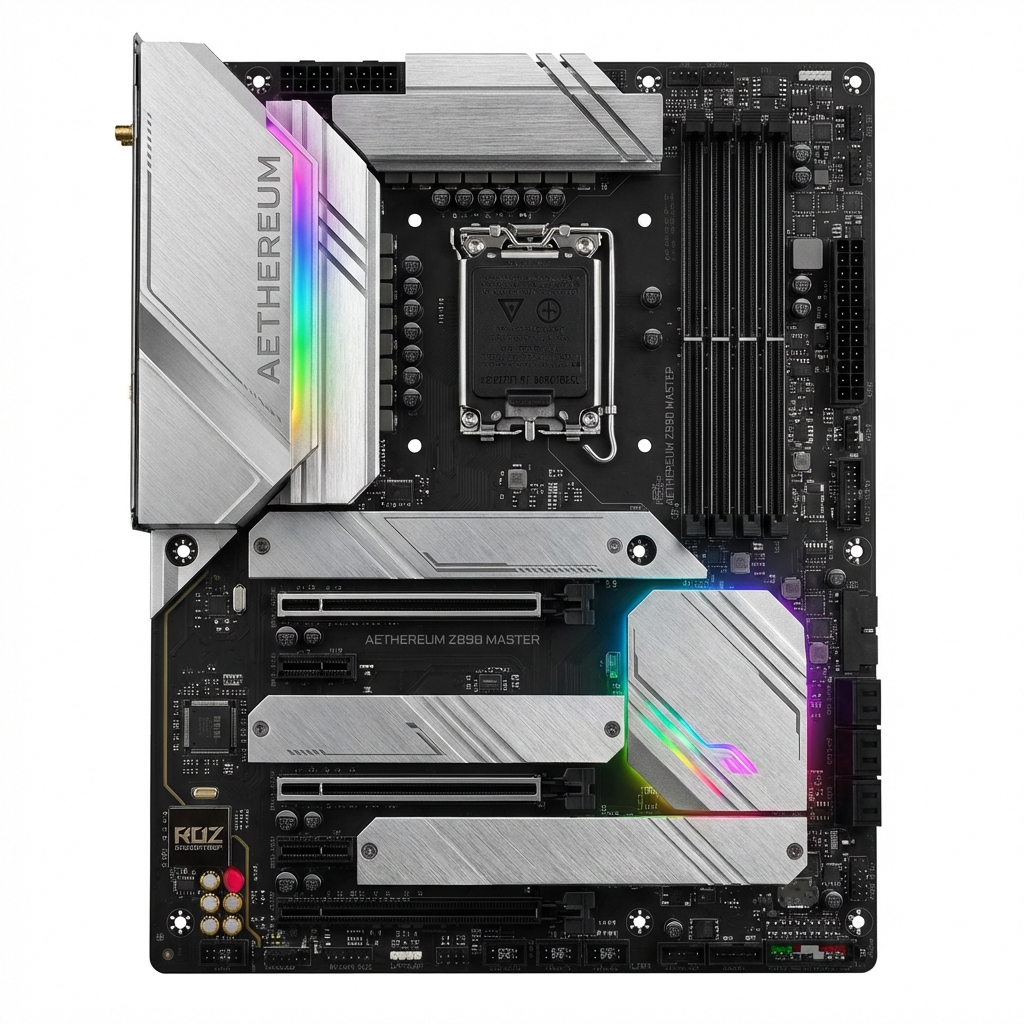
ASUS Prime H610M
Basic features for budget Intel builds
MSI B550 Gaming Gen3
Reliable board for Ryzen 5000 series
Gigabyte B760 Gaming X
Great value for 13th/14th Gen Intel
ASRock B650 Pro RS
Solid foundation for Ryzen 7000
MSI MAG Z790 Tomahawk
Premium features for K-series CPUs
ASUS ROG Strix X670E-E
Extreme overclocking and connectivity
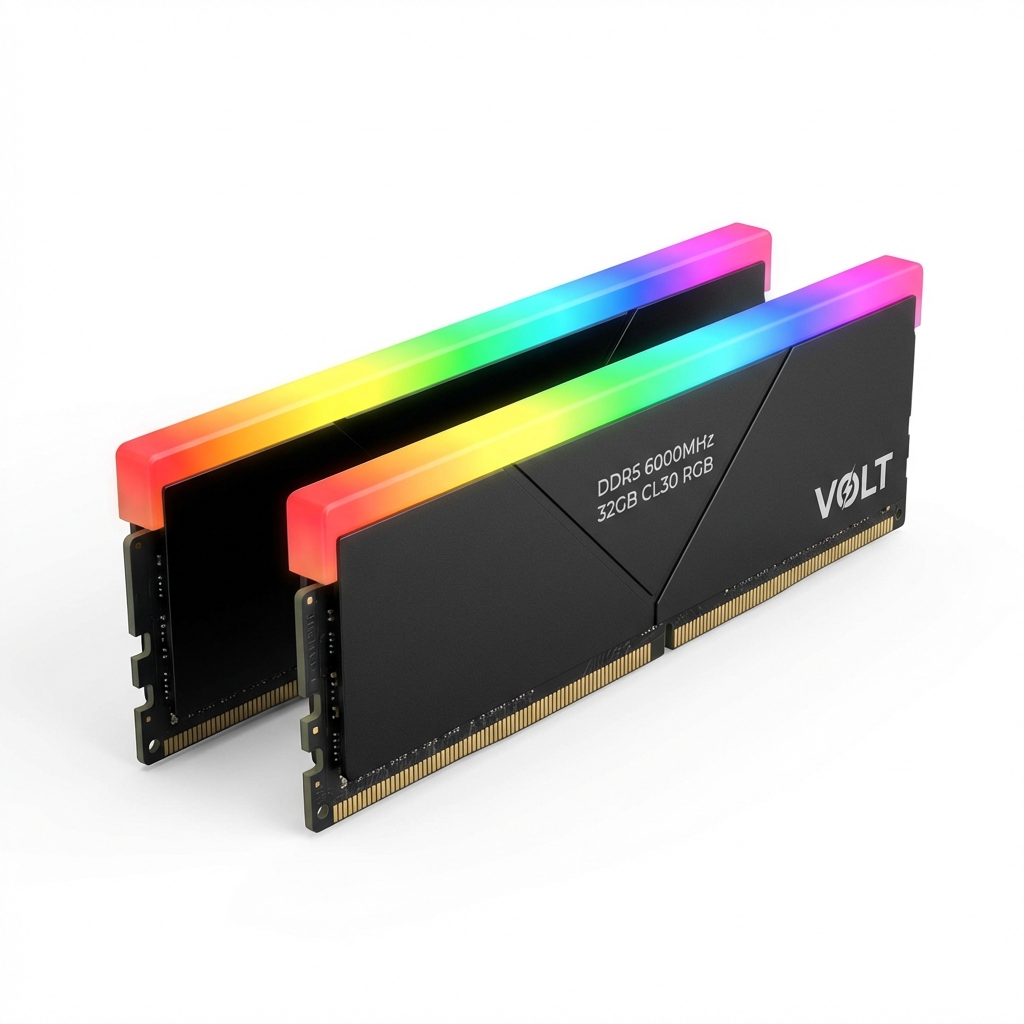
Corsair Vengeance LPX 16GB
Reliable low-profile DDR4 memory
G.Skill Ripjaws V 32GB
High capacity for multitasking
G.Skill Trident Z5 RGB 32GB
Sweet spot speed for Ryzen 7000
Corsair Dominator Platinum 64GB
Massive capacity and premium design
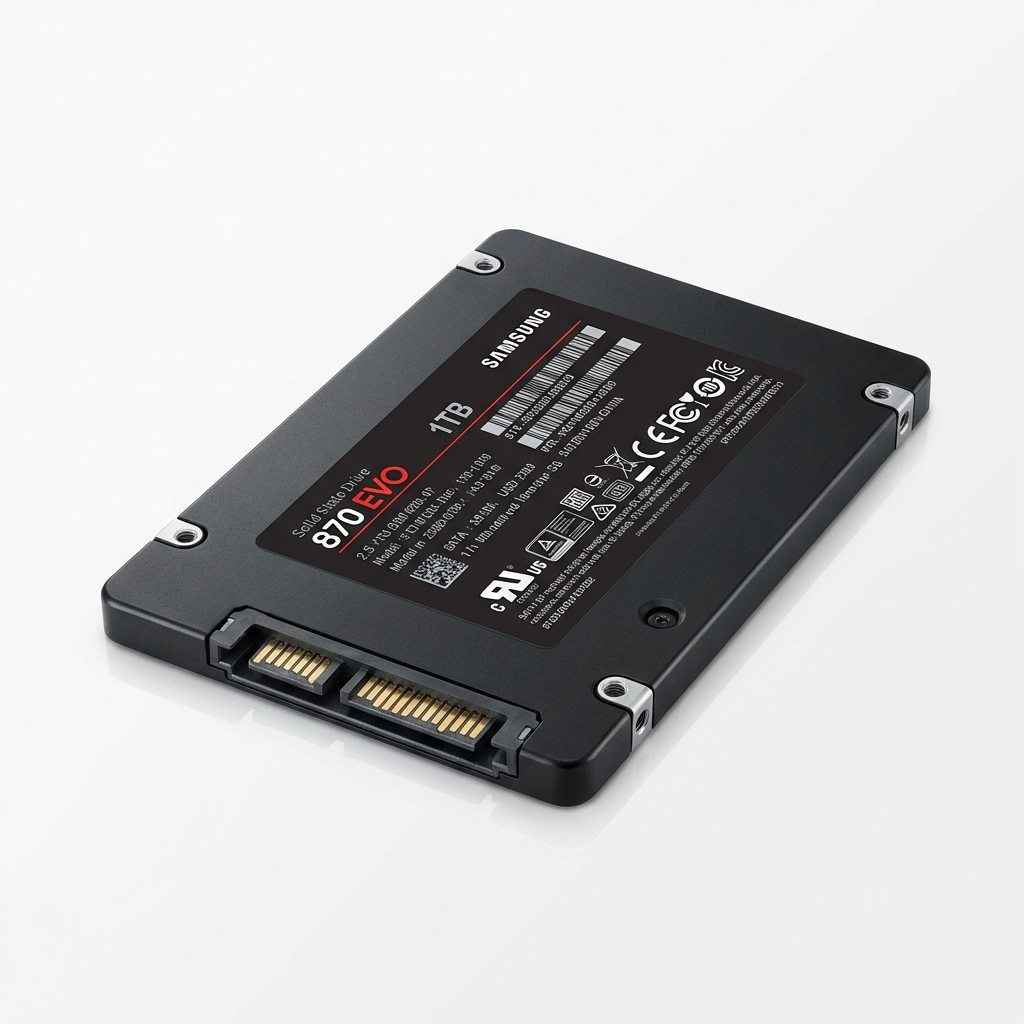
Samsung 870 EVO 1TB
Reliable SATA SSD for storage
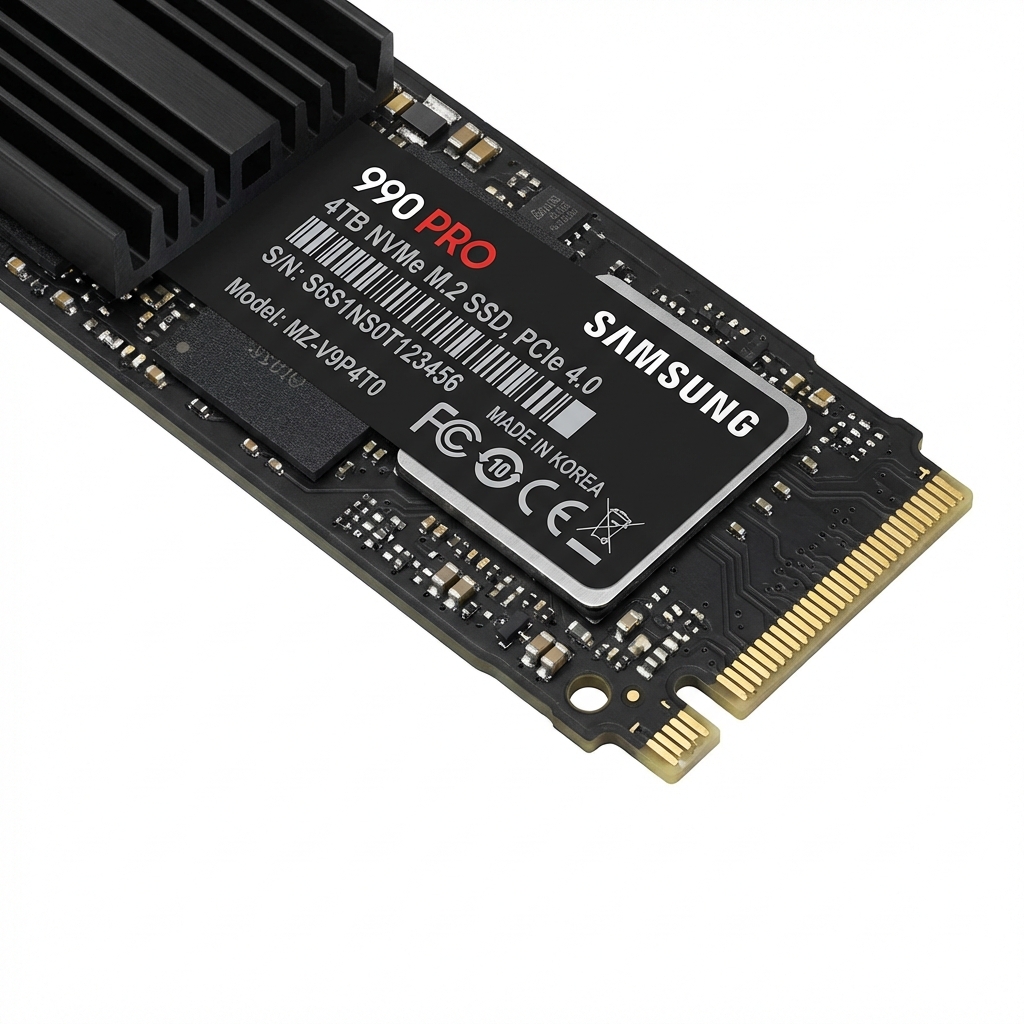
Crucial P3 1TB
Budget NVMe performance
WD Black SN850X 2TB
Top-tier gaming performance
Samsung 990 Pro 4TB
Massive fast storage for libraries
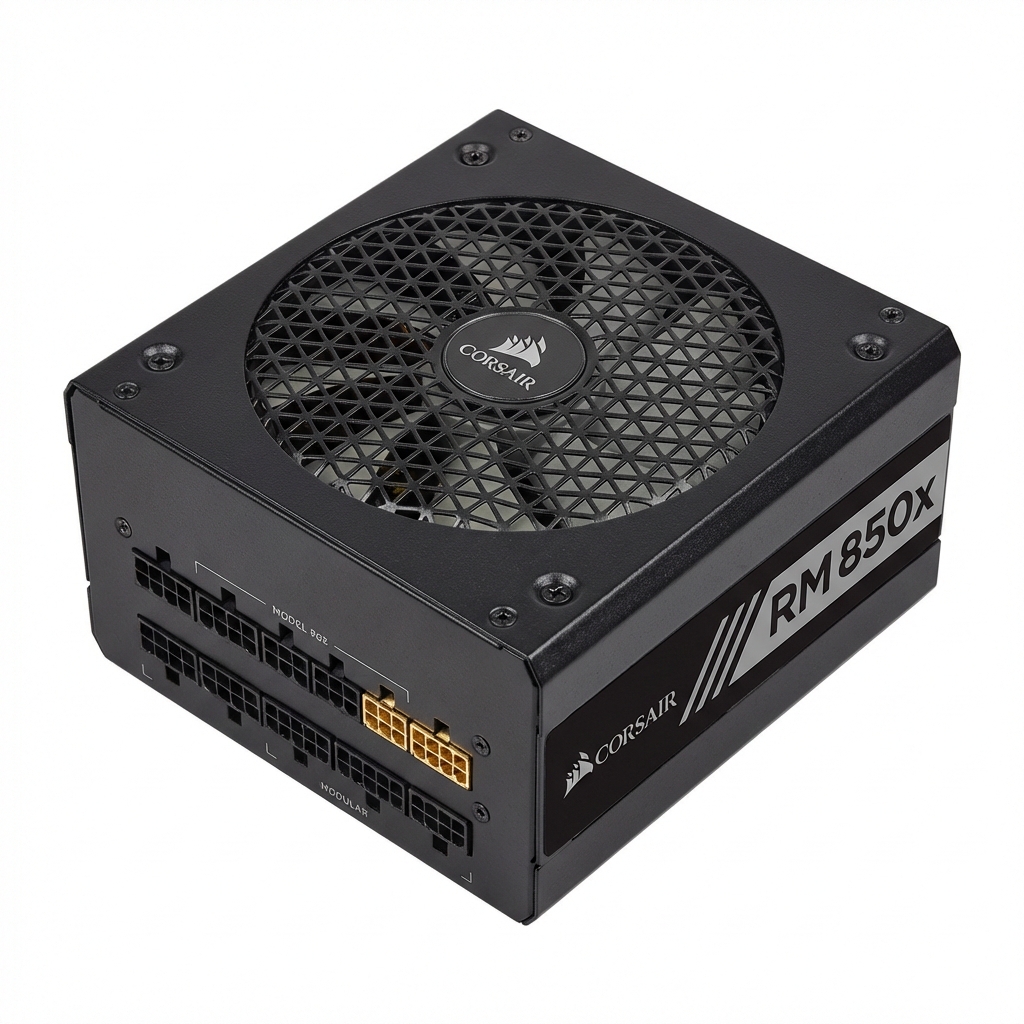
Corsair CX550M
Reliable entry-level PSU
Corsair RM750e
Quiet and efficient gold power
Seasonic Vertex GX-1000
ATX 3.0 ready for RTX 4090
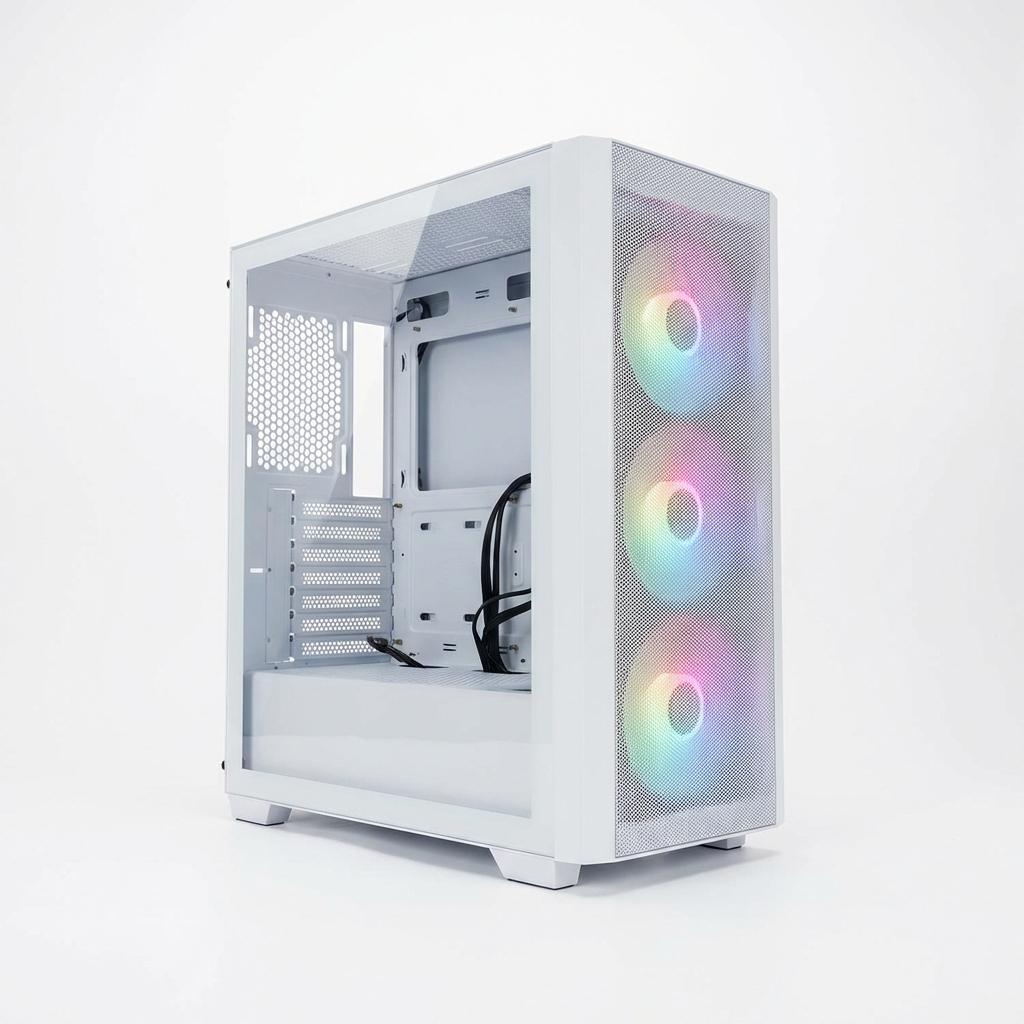
Corsair 4000D Airflow
The gold standard for airflow
NZXT H5 Flow
Modern aesthetic with dedicated GPU cooling
Lian Li O11 Dynamic Evo
The best display case for enthusiasts
Hyte Y60
Panoramic glass view
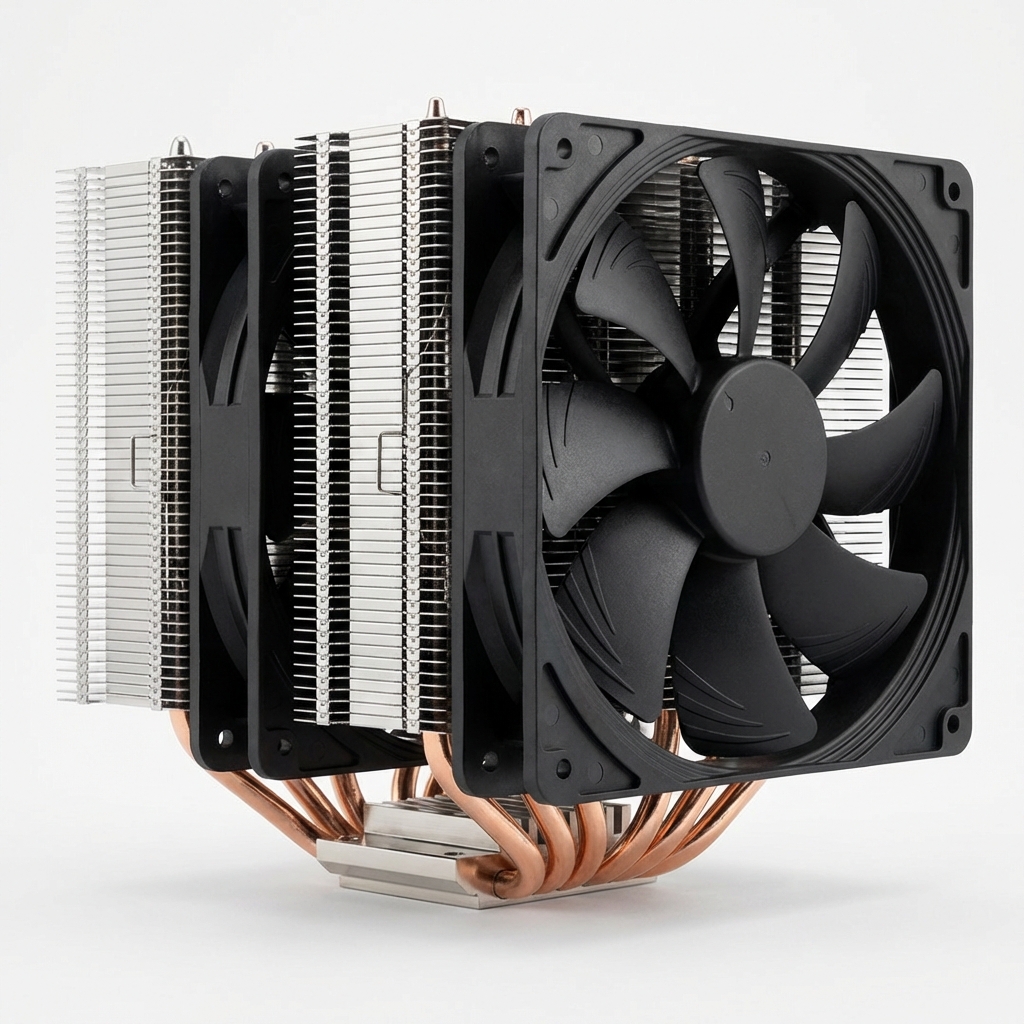
Thermalright Peerless Assassin
Incredible value dual-tower air cooler
DeepCool AK620
Sleek and powerful air cooling
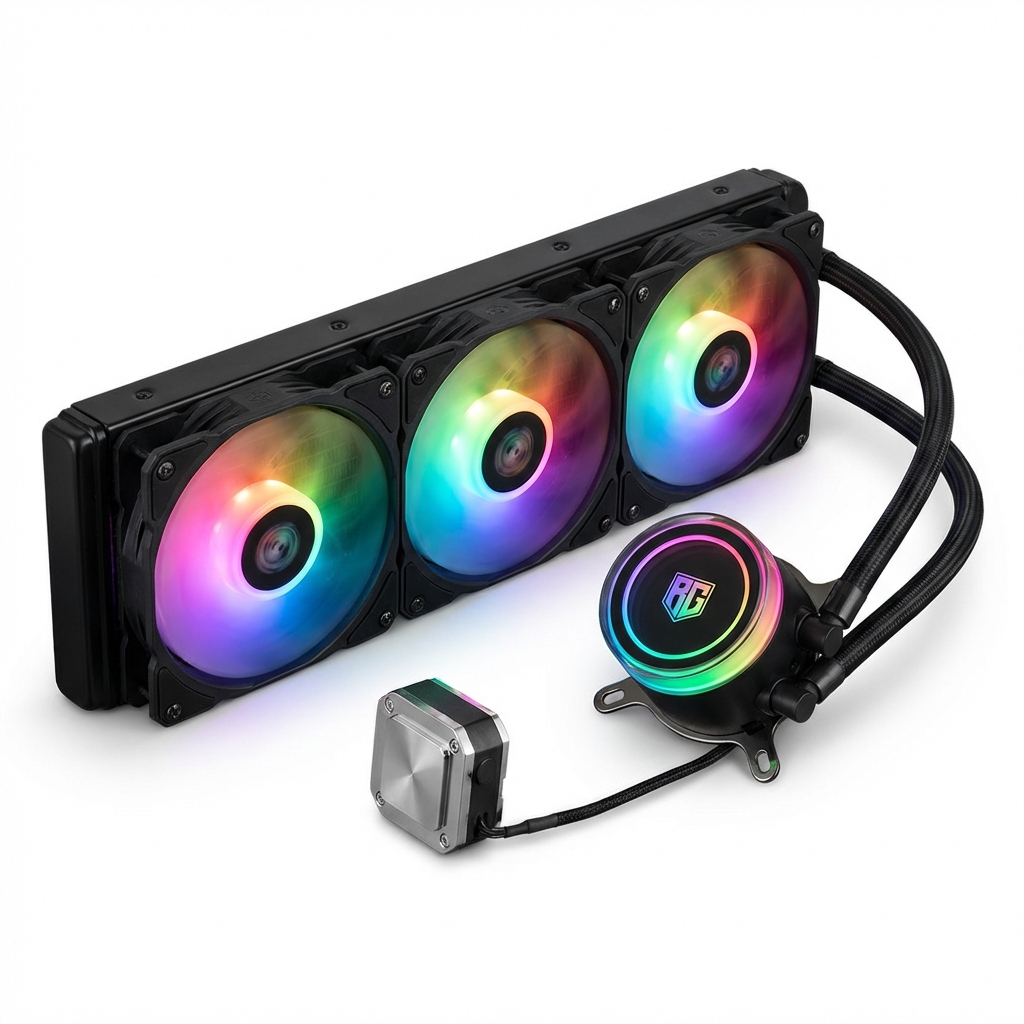
Arctic Liquid Freezer III 240
Thick radiator for silent performance
Corsair H150i Elite LCD XT
Premium AIO with customizable LCD screen
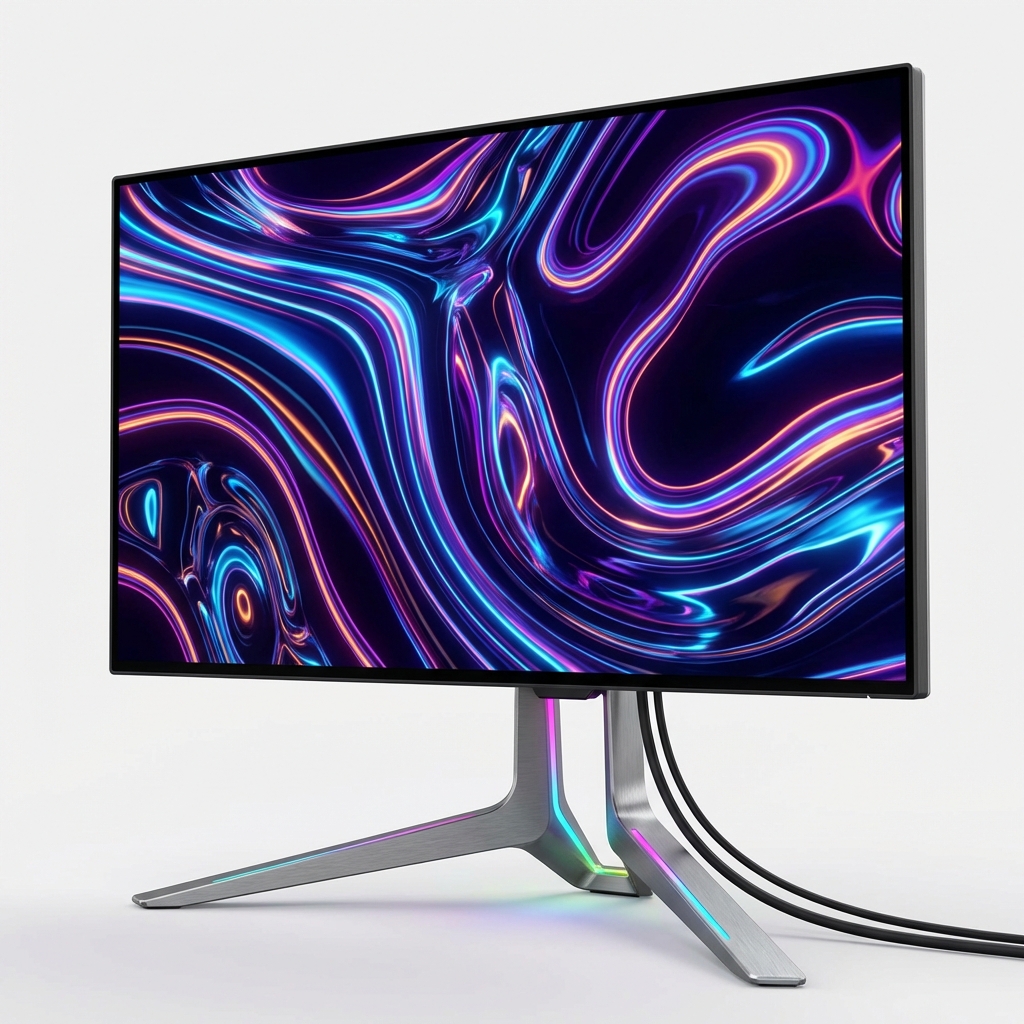
ASUS VP249QGR 24"
Great value 144Hz IPS gaming monitor
LG 27GP850-B 27"
Top-tier 1440p Nano IPS with great colors
Samsung Odyssey Neo G7
Ultimate 4K Mini-LED experience
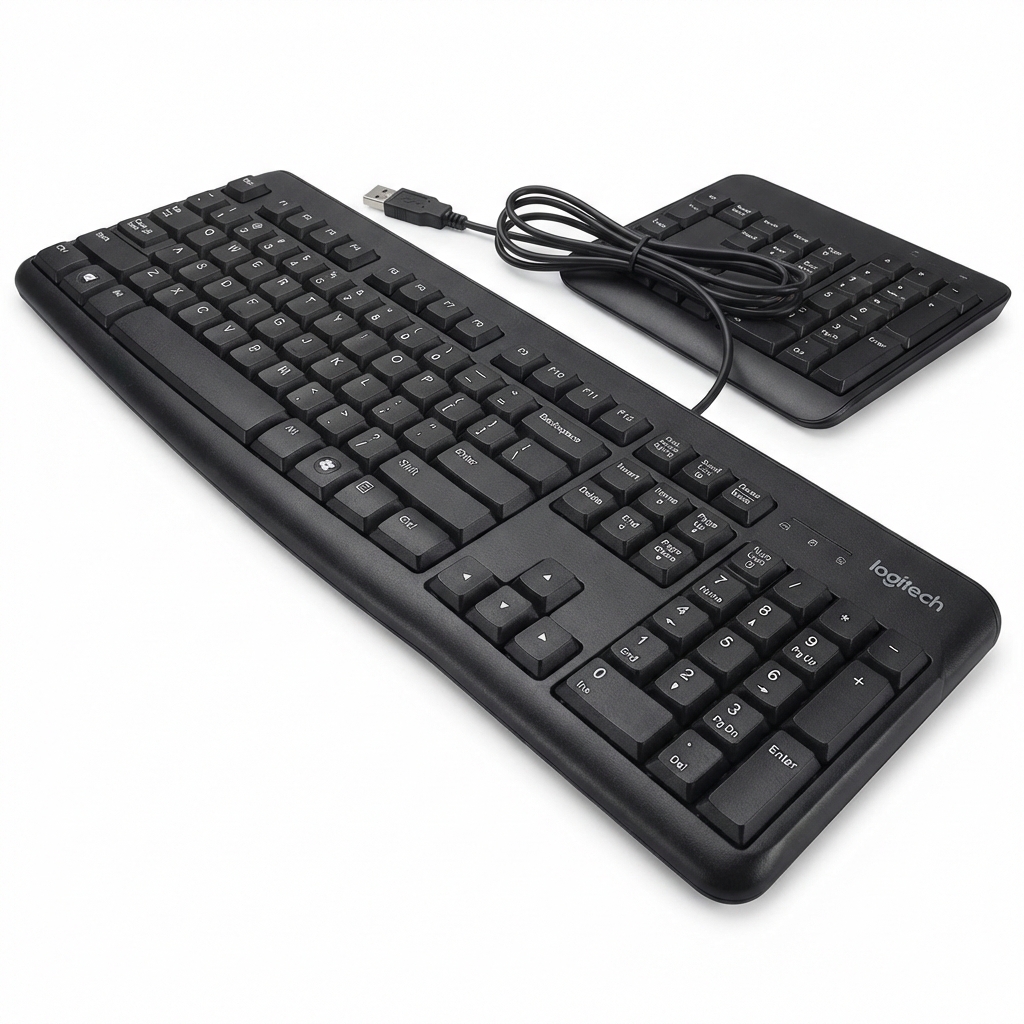
Logitech K120
Reliable office keyboard
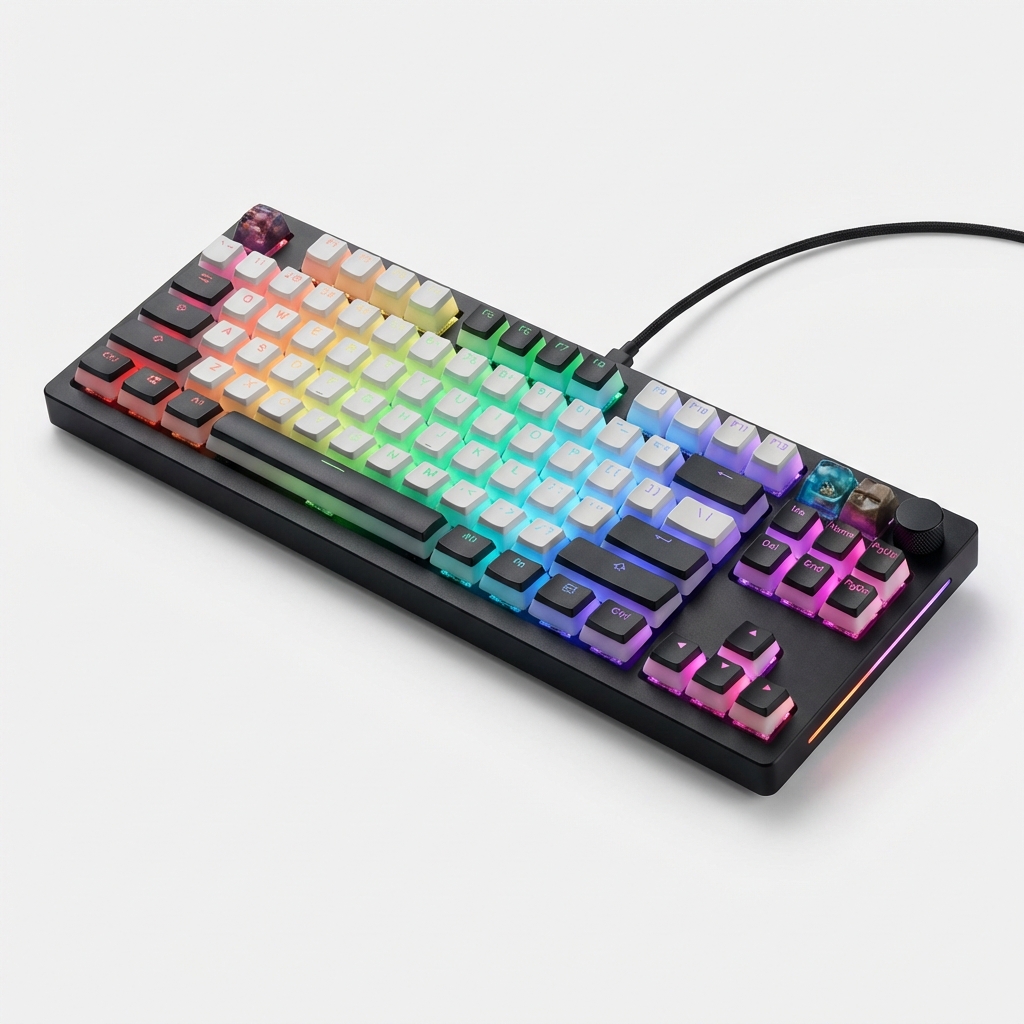
HyperX Alloy Origins
Solid aluminum with smooth linear switches
Keychron Q1 Pro
Wireless custom mechanical keyboard
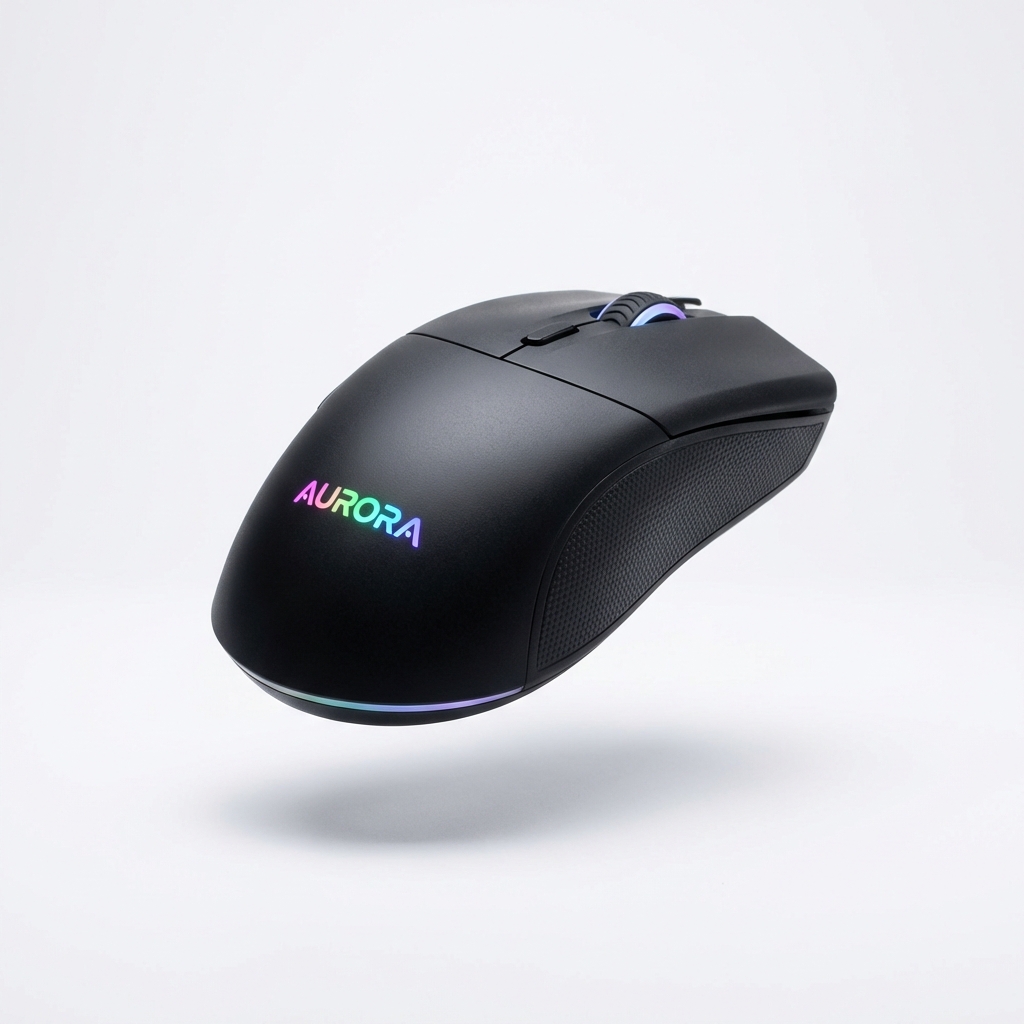
Logitech G203
Best budget gaming mouse
Razer Viper Ultimate
Lightweight wireless esports mouse
Logitech G Pro X Superlight
The gold standard for pros
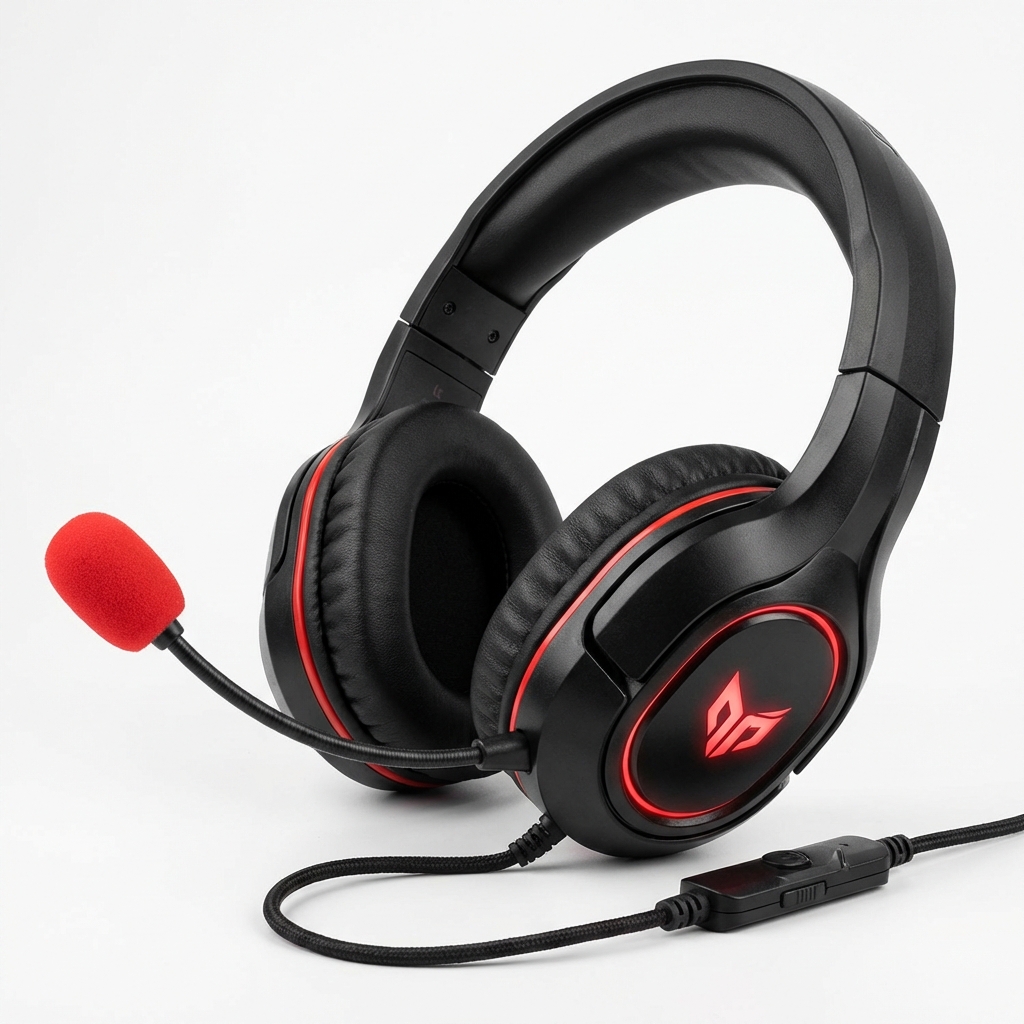
HyperX Cloud II
Legendary comfort and sound